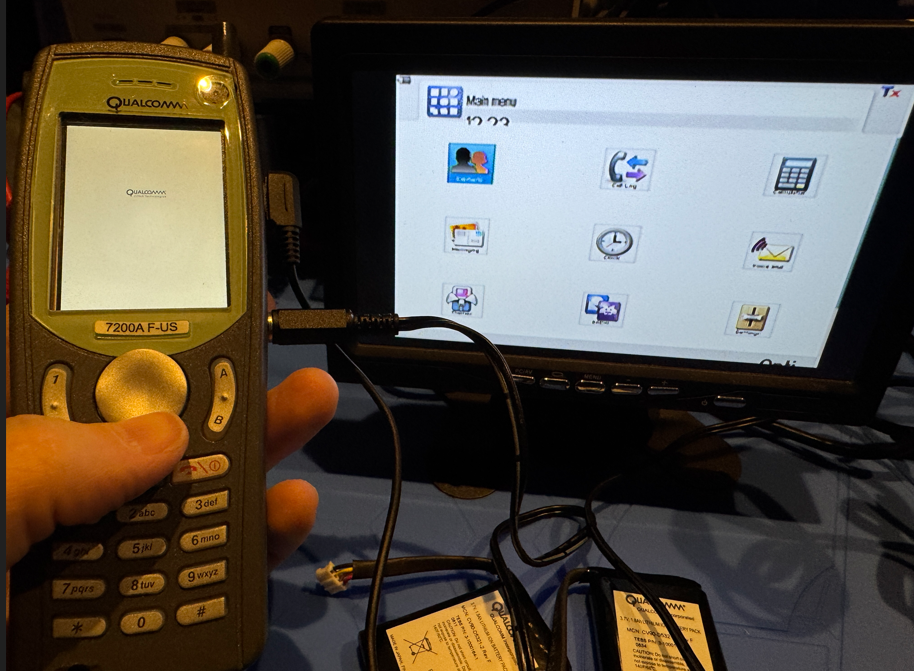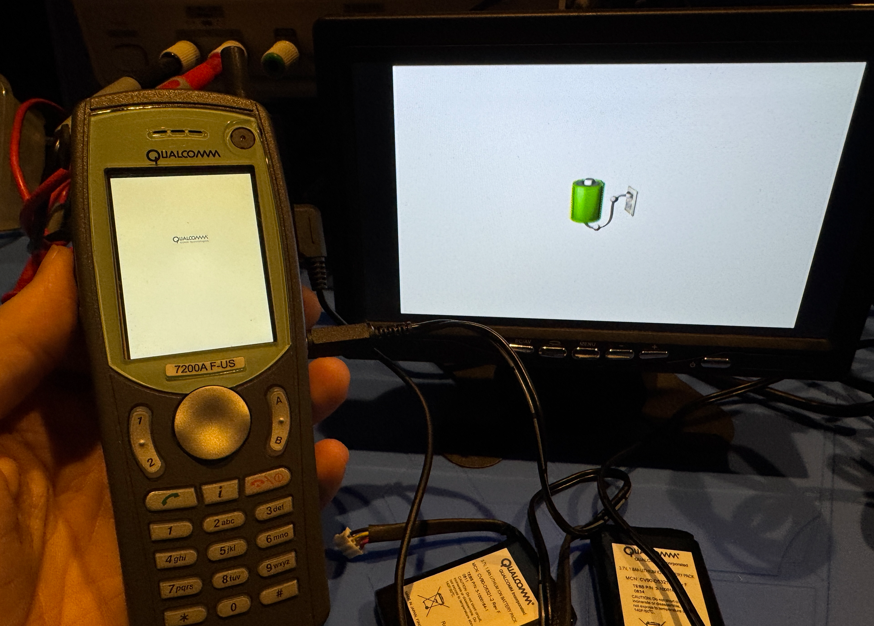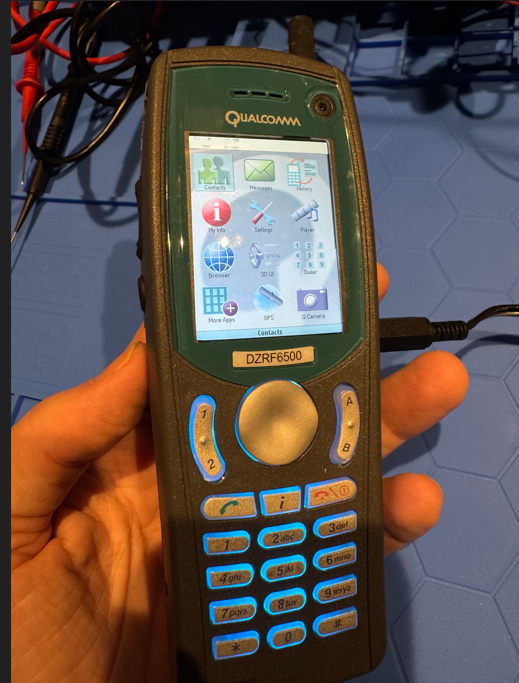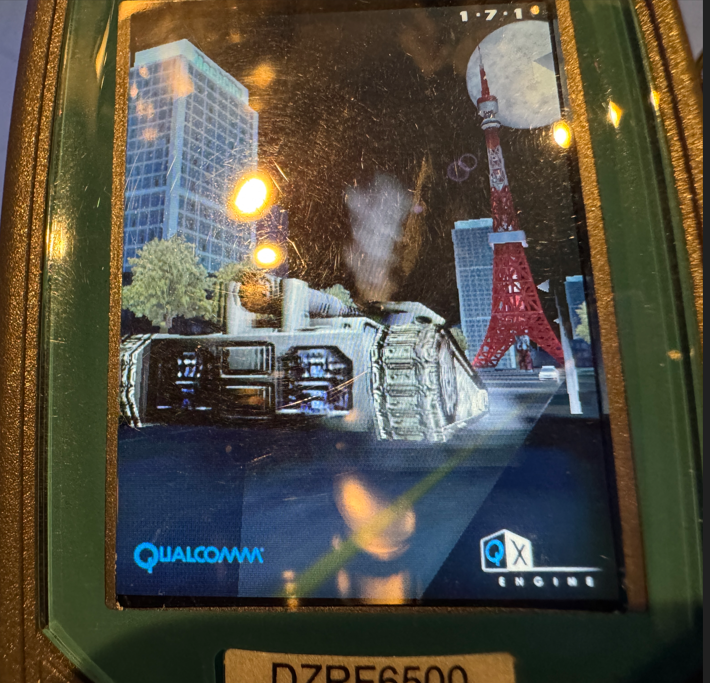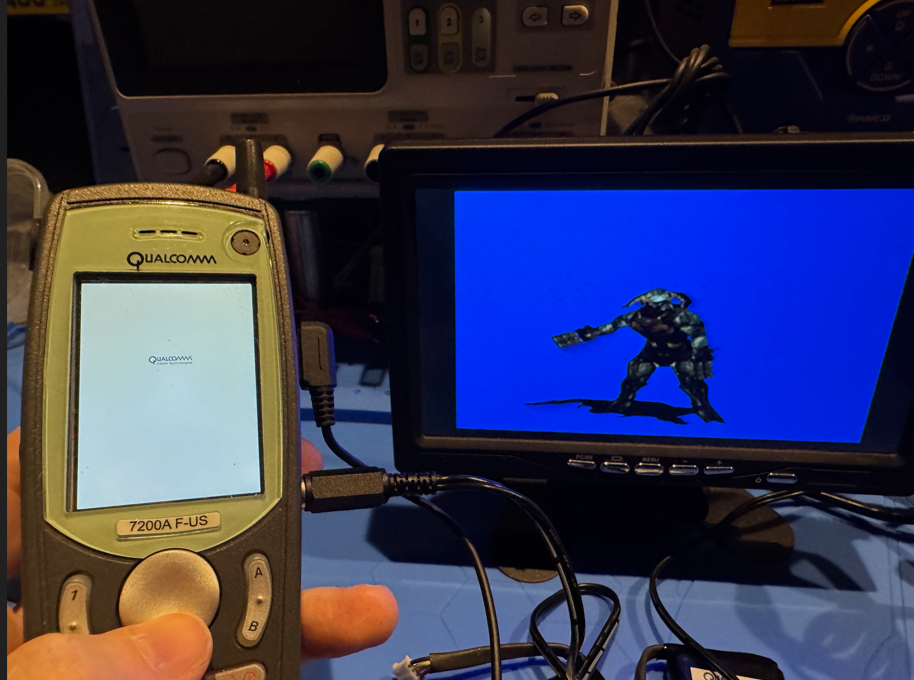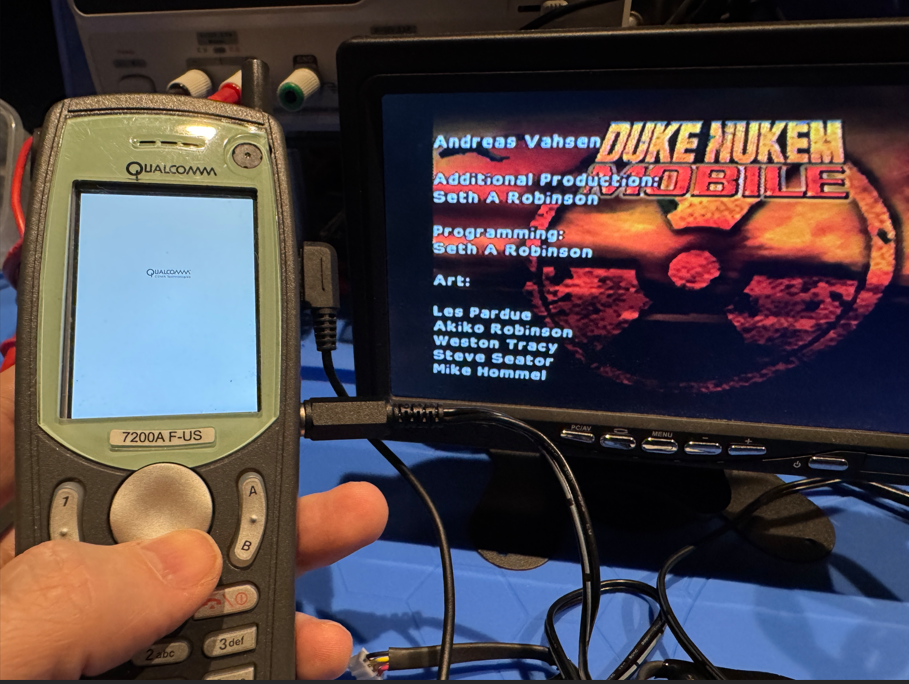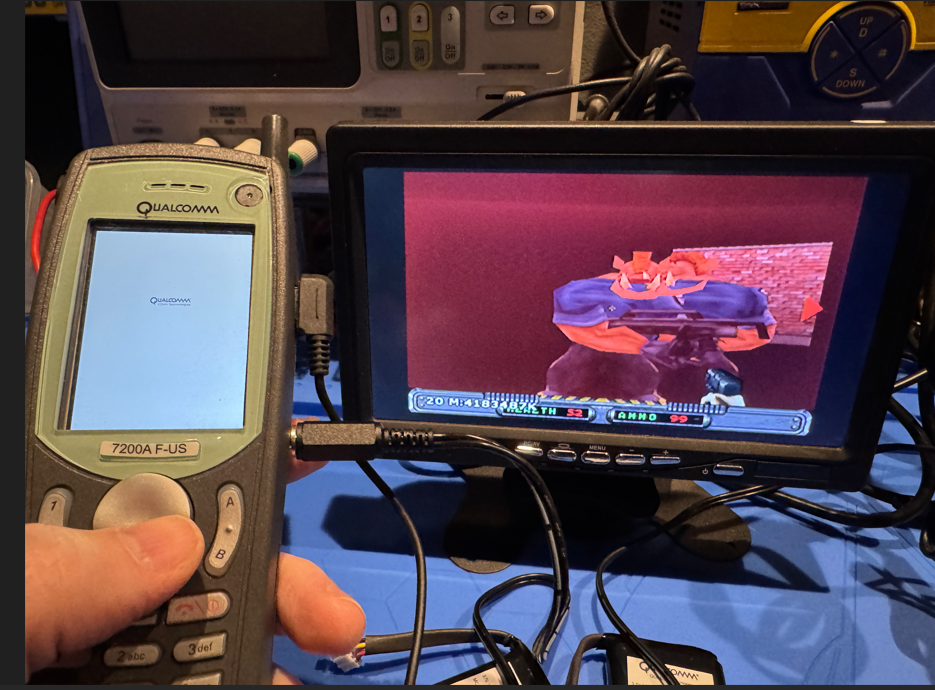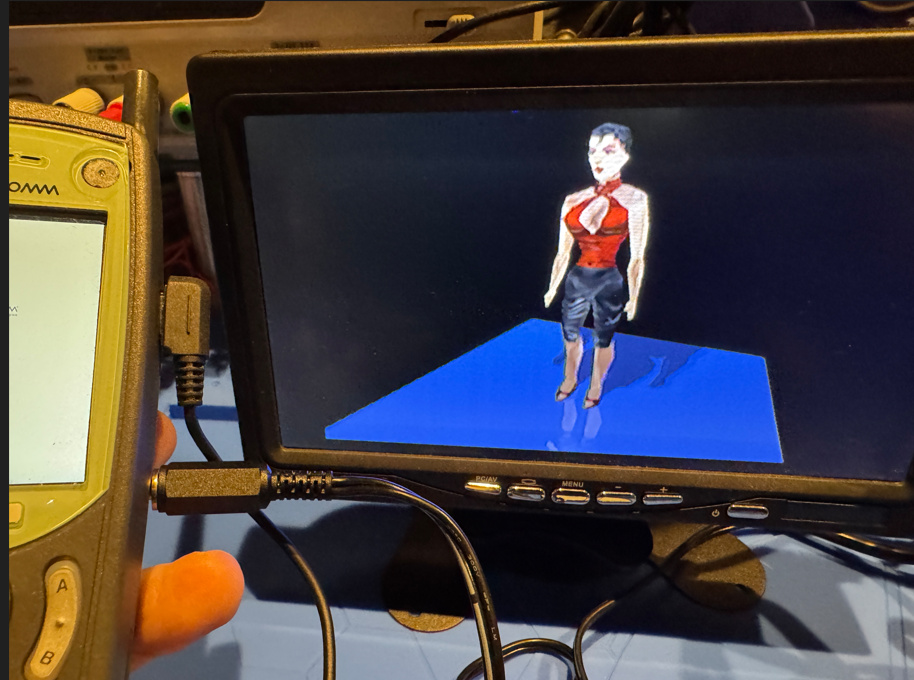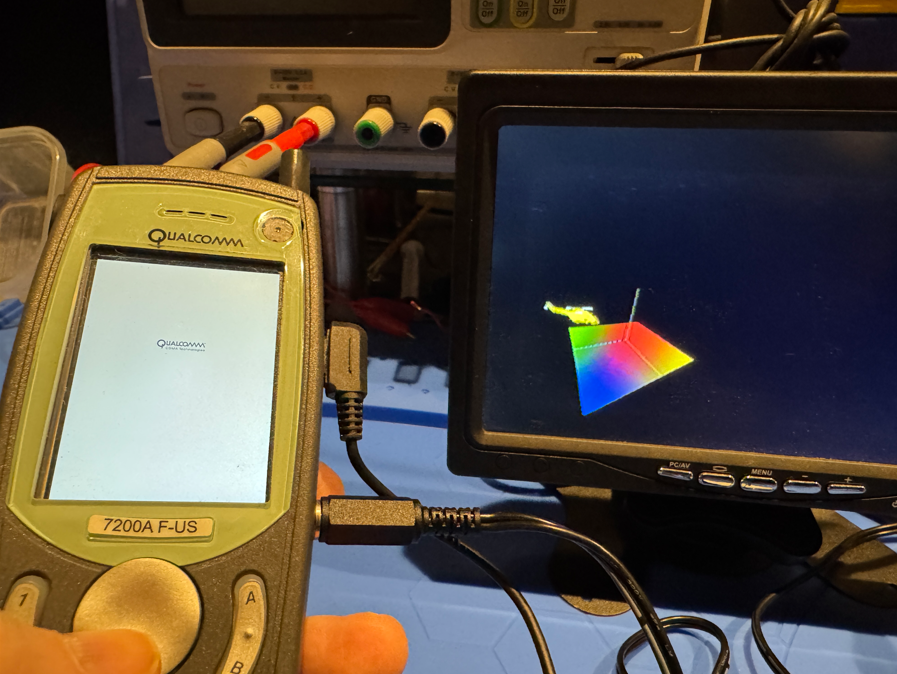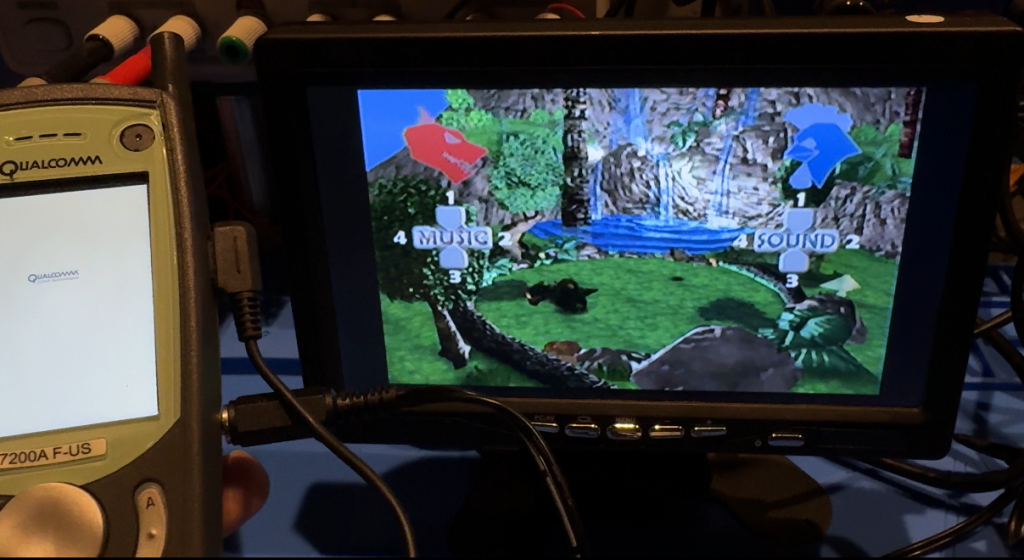
Random picture tuesday
Mar 9th, 2010 by Seth
Random picture tuesday
Mar 2nd, 2010 by Seth
Dink Smallwood on the iPhone/iTouch preview video
Feb 21st, 2010 by Seth
Despite working on a ‘secret project’ for the last three weeks (more on that later..), Dink for iPhone is still coming along nicely and I wanted to show it in action.
It truly is a great port, including features not found in the original versions such as ‘full state saving from anywhere’, faster script processing, rewritten graphic/resource handling, native GL support, the full original CD sound-track, and a built-in .dmod downloader/installer.
Instead of the usual screenshots here is a crappy youtube movie to give you an idea of how it runs ‘on-device’. Controls/GUI are not final! Hope to put in my new control idea soon and see how it works.
Cosmo in KidZania
Feb 18th, 2010 by Seth
Been awhile since I’ve posted anything besides boring programming junk so here we go.
KidZania is an edutainment amusement park where kids can (sort of) learn and (sort of) do eighty different career paths. Each ‘career’ takes about half an hour to do and earns you “Kidzoes” to spend in the store.
There are ten KidZania’s splattered across the world. This is the one in Koshien, Japan – there is also one in Tokyo.
KidZania is tiny working indoor town.
At exactly 4 PM, all the stores open for business! Cosmo chose package delivery as his first job. Many of the business in KidZania are real companies in Japan – this company, Kuro-Neko is sort of a Japanese FedEx.
In the pic above he is receiving training for his job. Parents can’t enter most buildings in KidZania, but everything has lots of windows so we get to snoop around and take pictures.
Training complete, he prepares to do some work! He delivers and picks up packages from various other KidZania businesses and does some inventory work. At the end he receives 8 Kidzoes in pay.
He goes to the KidZania bank, gets an account, and deposits his cash. There is a working ATM system.
Here he learns to work at a Pizza place.
The best part of the pizza career – you get to eat what you made!
The bakery, candy maker, and sushi chef careers also feature making real food but he didn’t do those… There is no way to do everything in one day!
Cosmo makes small chat while working as a gas station attendant. The girl driving the car has rented it from the Rent-a-car place – you can only do this if you’ve earned your KidZania license by going to driving school.
One of the most popular careers – Fireman! After training, a building catches on fire and kids are driven to it. The vehicles in KidZania move slightly slower than a normal walking pace, but hey, it’s a firetruck with a siren!
Maternity ward nurse! There was also a dentist career.
Cosmo works security. We caught him transporting cash to the bank. They really let them go off alone to do their ‘missions’.
The pilot career. Nearby, those that chose the flight attendant career path were being trained to give safety instructions.
At the end of a great day, completely worn out physically and emotionally the holy land awaited! He entered “The store” to see what he could buy with his Kidzoes.
We watched through the glass as he wandered around looking at the price tags. I saw him tear up as he realized everything good was just way too expensive for him.
He finally decided on a crappy little plastic thing, the best he could afford. Welcome to the real world, kid!
My verdict
Very cool and worth doing at least once.
Price: $40 US + the usual milking techniques like expensive food, photos, etc
WWW: Kidzania Japan website Note: You need to make reservations.
How to make Xcode feel like MS Visual Studio (MSVC)
Feb 5th, 2010 by Seth
There are times when you just have to bite the bullet and do some real coding with Xcode. Here are some tips to make it ‘feel’ more like MSVC (with Visual Assist installed of course) so you can bounce back and forth without snapping and murdering your family again.
Step 1: Get rid of that horrible funky mouse acceleration and fix cut and paste
Setup Synergy+ so you can use your Windows mouse and keyboard on your Mac. It’s free.
Just think of your Mac screen like an extra monitor.
Note sure if you’ve heard but the Ctrl-X/Ctrl-C/Ctrl-V shortcuts are freakin’ backwards on the mac. (Don’t get mad Mac people, I just mean from a long-time Windows user’s point of view!)
To fix this, open the Synergy settings on the server side, which would be Windows, and set up the Mac target to reverse the Ctrl/Alt buttons. (See pic above)
This makes the fix system wide, much better than just trying to fix Xcode specifically to do it.
Advantages of using Synergy:
- No switching keyboards/mice! Switching keyboards can kill productivity.
- Saves desk space and looks cool
- You can cut and paste text between the OS’s
- If you’ve got a linux box, you can also set that up with Synergy
Disadvantages:
- Need two machines running all the time for this to work
Alternative methods:
There are free methods to get rid of that nasty acceleration, none of them really work, maybe the $$ ones do. Some 3rd party mouse drivers will do the job, but you have to OWN that mouse for it to work right.
You can also reverse the Ctrl/Alt (Sorry, Command key, whatever) under keyboard preferences on the Mac side, but I seem to remember having a problem with doing it that way.
Step 2: Use my MSVC key binding set
Install my MSVC key config. (Works fine with Xcode 3.x)
Download this, unzip it, and place MSVC.pbxkeys in YourUserName/Library/Application Support/Xcode/Key Bindings.
Next, start Xcode and click Xcode->Preferences, select Key Bindings, then choose “MSVC” as your key binding set. Now Ctrt-Shift-F does project wide find, Ctrl-Shift-H does project wide replace, F5 does build and debug, Ctrl-` (tilde) will swap between source/header and so forth.
It also remaps debugging keys, F10 will step over, F11 will step into, etc.
It’s not perfect though, it doesn’t seem to want to map a key twice, I can’t get F5 to also “Continue” while debugging. So that became F6.. consider this a good place to start from that you can further customize.
Step 3: Fix Firefox so Home/End works like you would expect.
You’ve gotta websurf from your Mac once in a while, so install Firefox so you don’t have to deal with Safari.
Install Keyfixer, a Firefox 3 plugin so pressing End or Home while editing text will actually do what you expected it to.
While you’re at it, you can fix it so your mouse’s forward and back buttons work properly in Firefox by using the hotkey mapper in Synergy on the server side:
(Map mouse button 4 to Ctrl-L and mouse button 5 to Ctrl-R)
Step 4: Finding a decent SVN client for your Mac
Well, you can’t. The gold standard is of course TortoiseSVN on Windows – but I can’t find anything close on the Mac yet, at least not for free. Yeah, I’m cheap like that.
SCPlugin shows a bit of promise because it attempts Finder integration but is currently broken enough to steer clear of. Maybe later…
RapidSVN is reliable but makes you jump through some hoops if you want merging/diffing.
What works for me currently:
- Place the SVN checkout on a networked Windows drive so I can use TortoiseSVN. Xcode will behave fine working directly from it – you can override where projects gets built in Preferences->Building so that part happens on the Mac side. (Faster, and less worry that permissions will be screwed up when you do your final install)
- Also enable the SVN support in Xcode, it’s.. uh.. not the greatest but better than nothing.
Step 5: Relax and enjoy your MSVC like coding environment
Well, almost. You’ll still feel a little empty inside without VisualAssist’s advance code refactoring abilities, but hey.
If you’ve got any more tips to ease the Win->Mac pain please share ‘em.